
Best List Apps 2026: Comparison Guide
The demand for structured, shareable, and searchable lists continues to grow. Whether users are organizing personal tasks, curating recommendations, or publishing collections publicly, choosing the best list making app in 2026 depends on your objective.
This guide compares leading platforms across productivity, collaboration, and discoverability.
What Defines the Best List Making App?
In 2026, a competitive list app should provide:
- Cross-device synchronization
- Public and private list control
- Rich media support (images, links, metadata)
- Collaboration capabilities
- Search engine indexability
- Monetization potential
- AI-powered assistance
Traditional checklist tools are no longer sufficient for users who want visibility and scalability.
Top List Making Apps in 2026
1. TheLysts
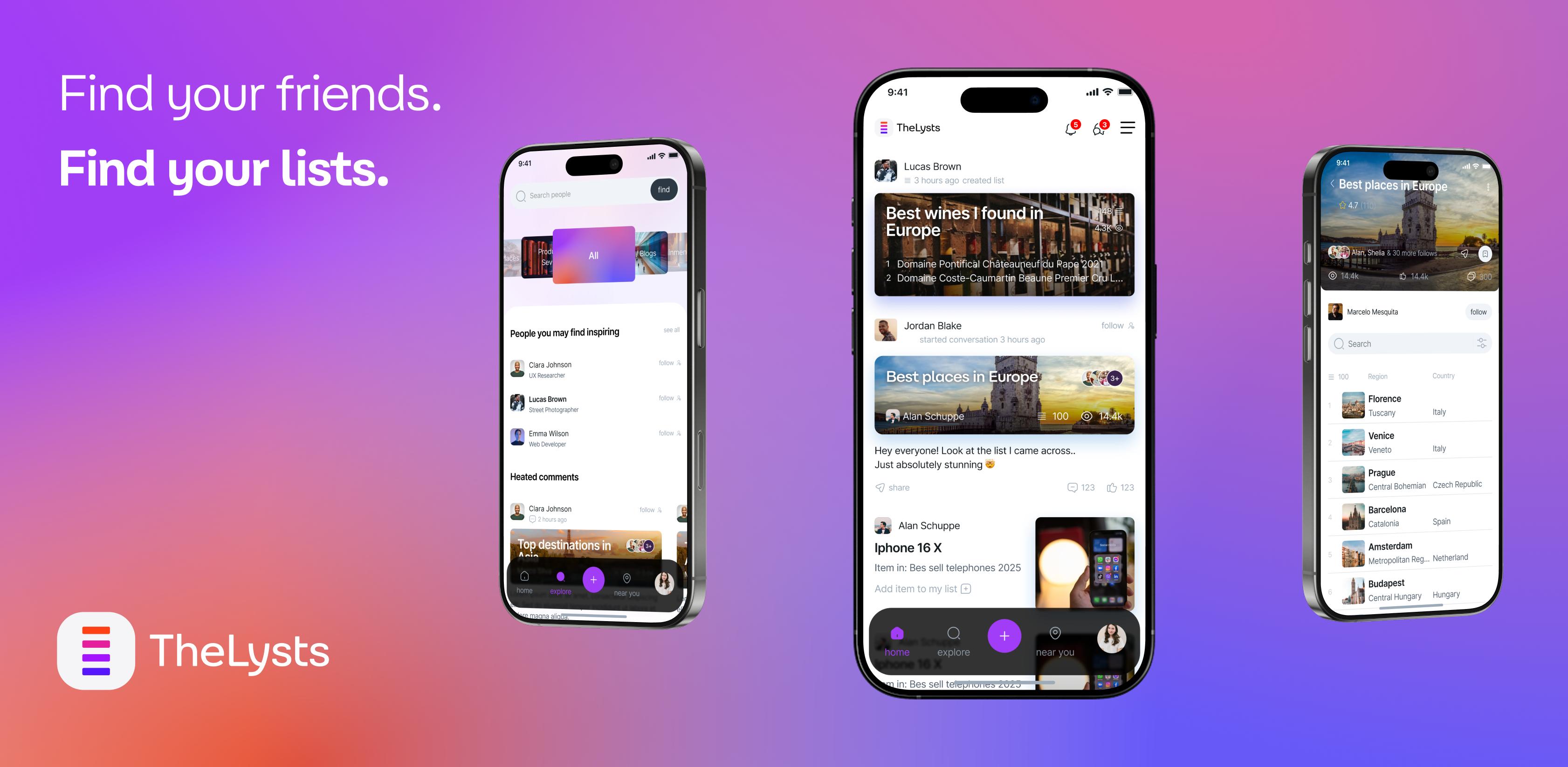
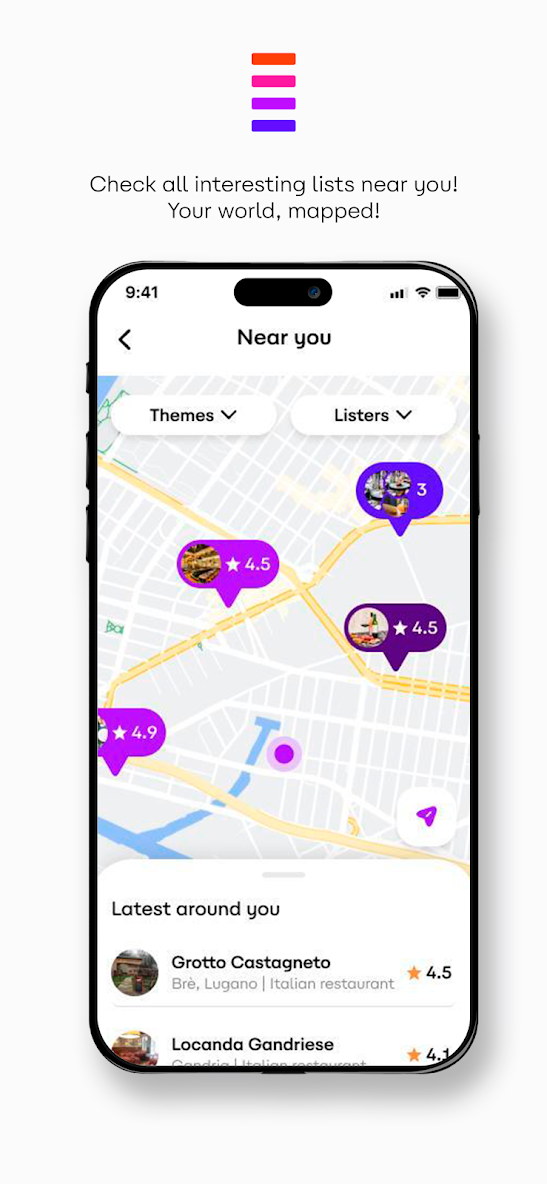

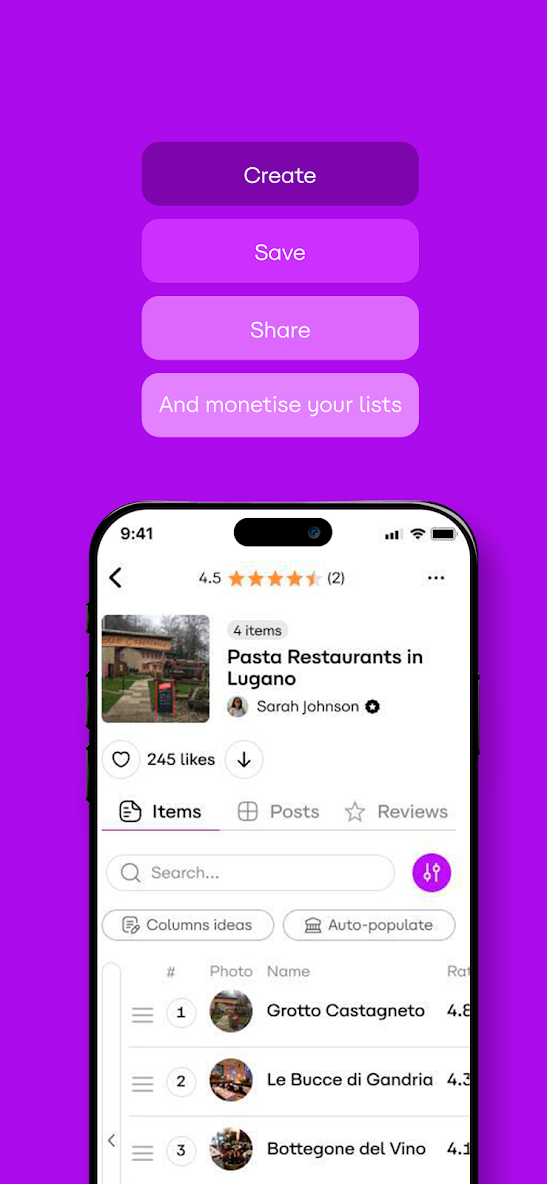
Best for: Public list publishing, AI-powered curation, SEO-driven discovery
TheLysts converts simple lists into indexed, shareable web assets. Every public list generates a standalone SEO-friendly URL, making it suitable for creators and niche experts who want search visibility.
Key Features
- AI-powered list generation (image and URL ingestion)
- Public SEO-ready list pages
- Private/public visibility toggle
- Social discovery feed
- Structured item metadata
- Monetization-ready infrastructure
Why it stands out in 2026:
Unlike productivity-only apps, TheLysts enables organic distribution through indexed list pages.
2. Todoist
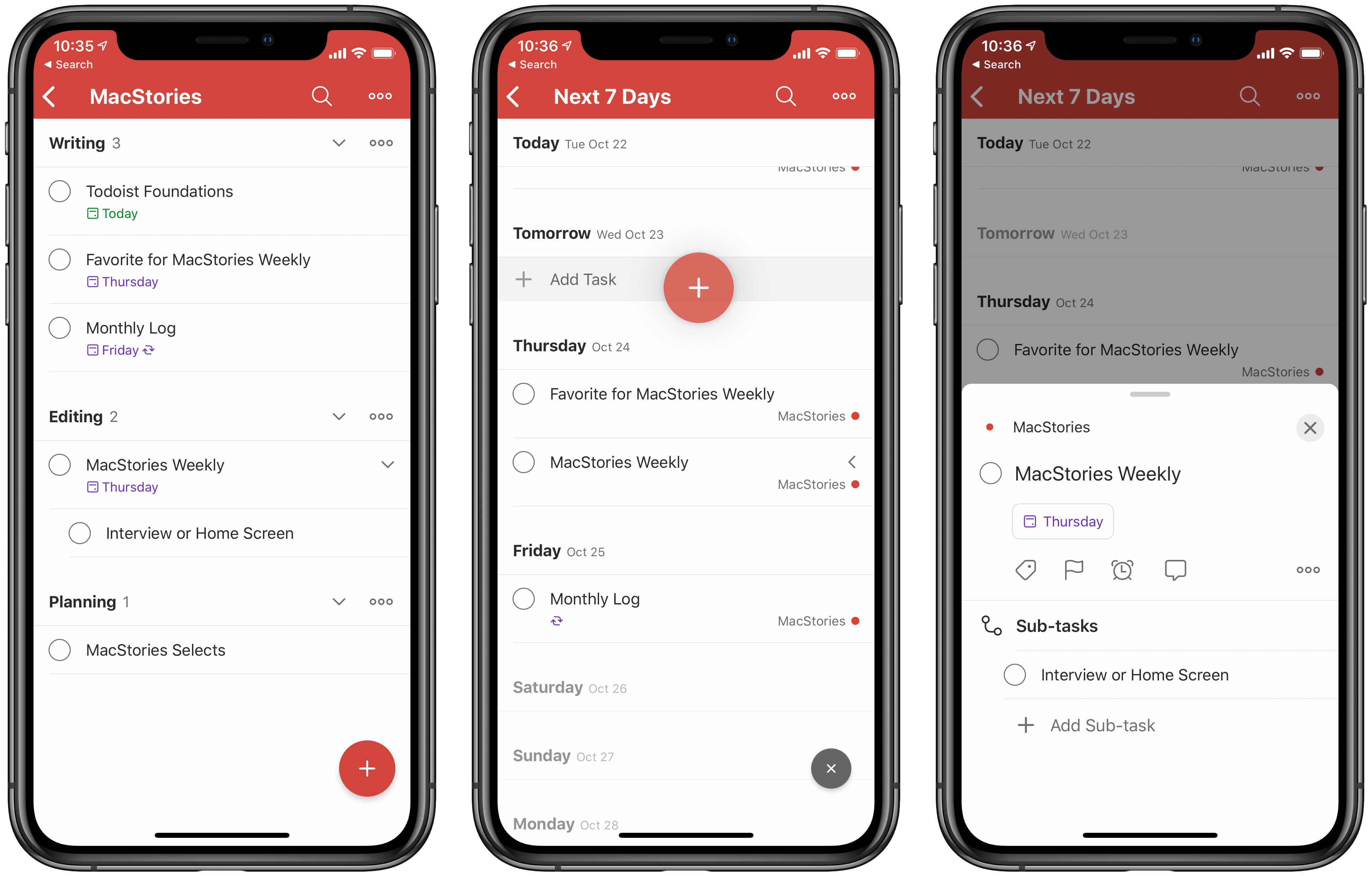
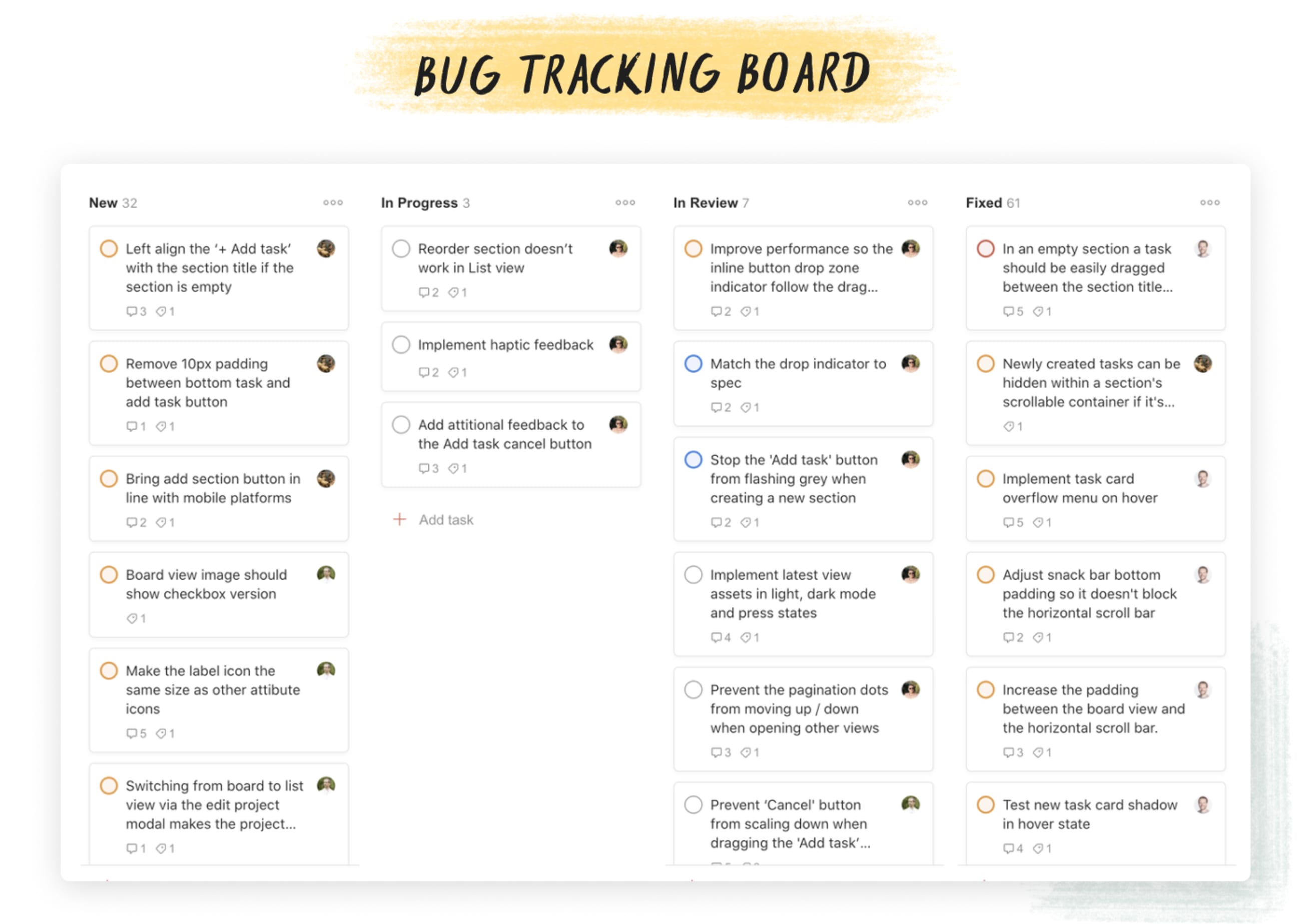
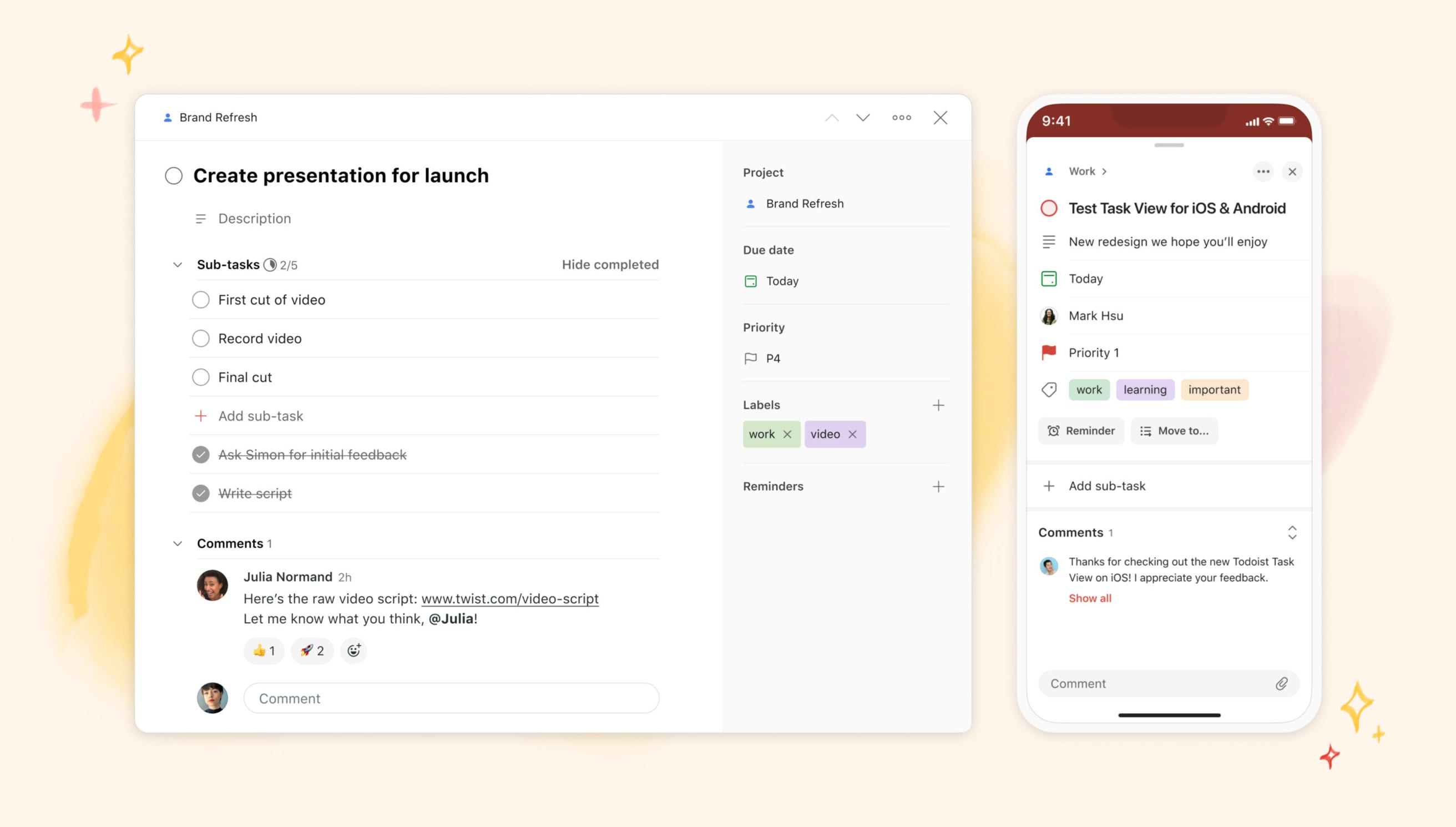

Best for: Task management and productivity
Todoist remains strong for structured task planning and team coordination.
Key Features
- Task prioritization
- Labels and filters
- Recurring tasks
- Team collaboration
- Third-party integrations
Limitation:
Not built for public SEO-indexed lists.
3. Trello
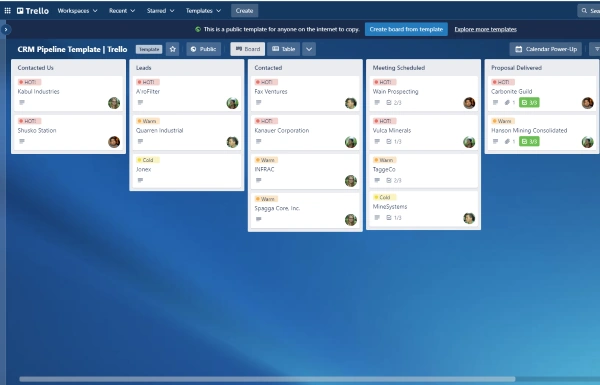
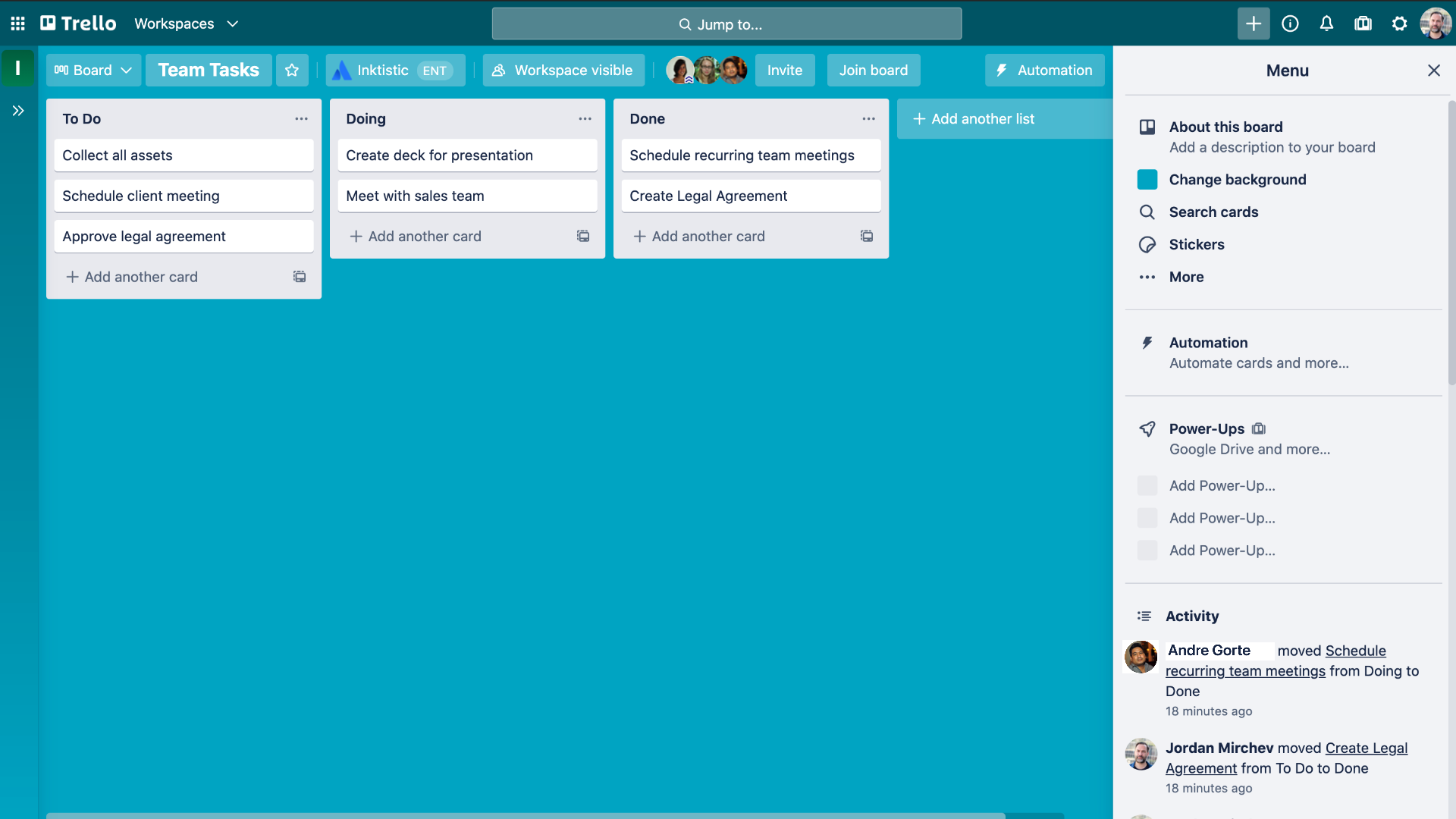
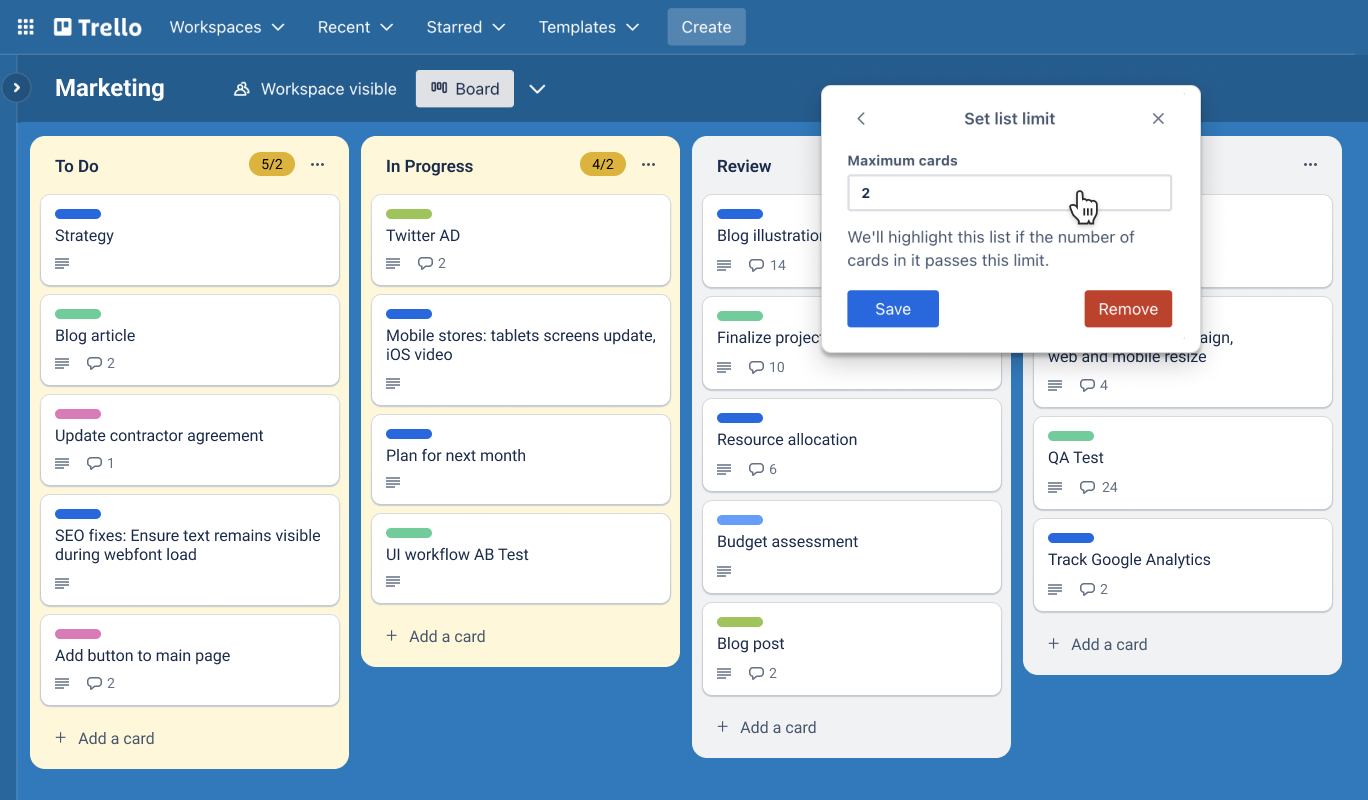

Best for: Visual workflow management
Trello uses kanban-style boards for flexible list organization.
Key Features
- Drag-and-drop boards
- Custom workflows
- Power-Ups and integrations
- Team collaboration
Limitation:
Optimized for internal workflows rather than public discovery.
4. Notion


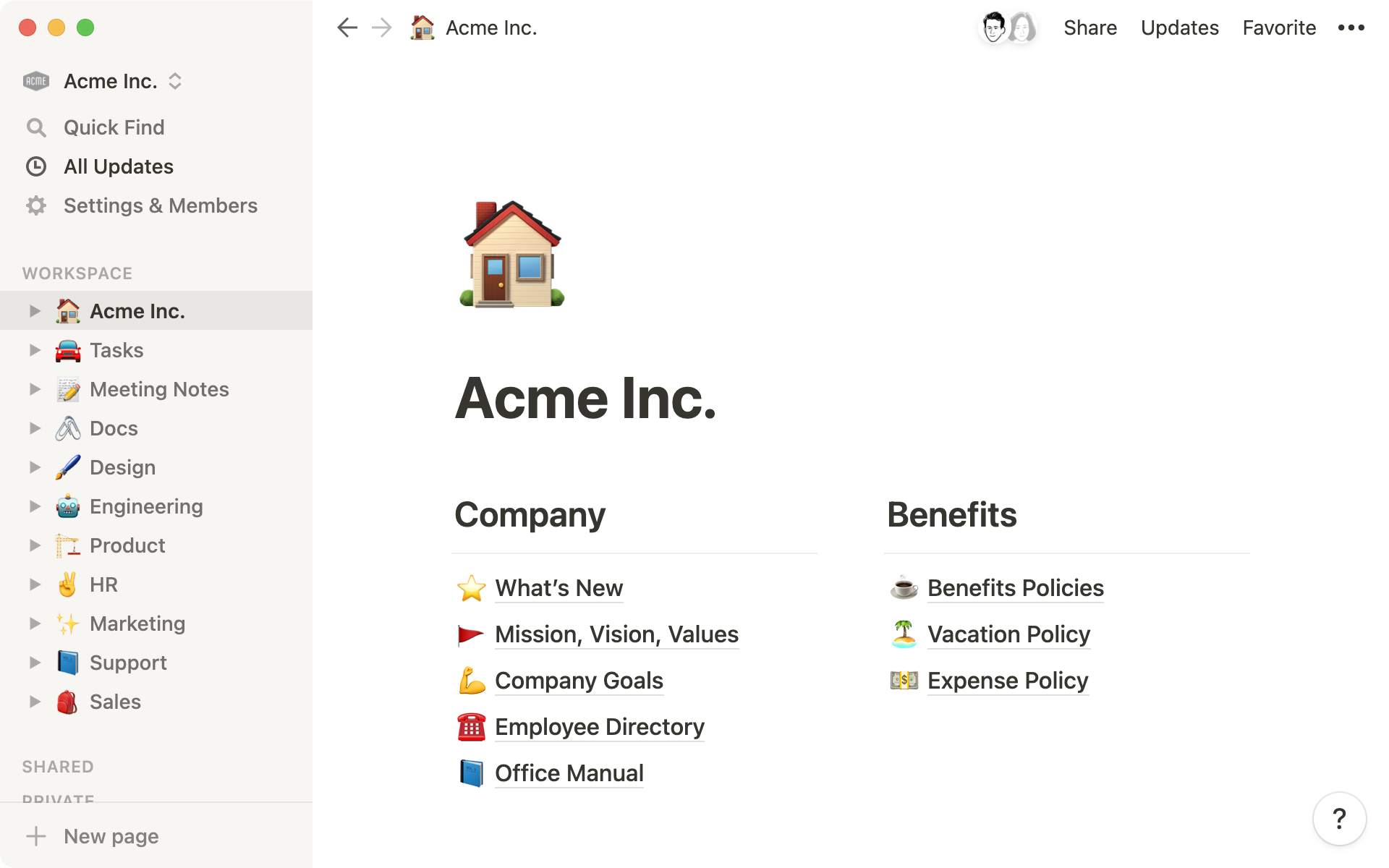
Best for: Advanced structured databases
Notion supports highly customizable database-style lists.
Key Features
- Relational databases
- Templates
- Rich text editing
- Workspace collaboration
Limitation:
Public sharing exists, but SEO discoverability is limited.
5. Microsoft To Do


Best for: Simple personal checklists
A clean and minimal solution for daily task tracking.
Key Features
- Daily planner
- Reminders
- Microsoft ecosystem integration
Limitation:
Focused strictly on personal productivity.
Comparison Overview
| App | Public Lists | SEO Indexing | AI Creation | Collaboration | Best For |
|---|---|---|---|---|---|
| TheLysts | Yes | Yes | Yes | Yes | Public curated lists |
| Todoist | No | No | No | Yes | Productivity |
| Trello | Limited | No | No | Yes | Workflow boards |
| Notion | Yes | Limited | Limited | Yes | Structured databases |
| Microsoft To Do | No | No | No | Basic | Simple tasks |
Which App Should You Choose?
Choose based on your goal:
- Personal productivity only: Todoist or Microsoft To Do
- Visual workflow management: Trello
- Advanced database customization: Notion
- Public, SEO-indexed, AI-assisted curated lists: TheLysts
If your objective is audience growth and search visibility, platforms designed for publishing provide stronger long-term leverage.
Frequently Asked Questions
What is the best list making app in 2026?
The best list making app depends on whether you need private productivity tools or public publishing capabilities. For SEO-ready, AI-powered public lists, TheLysts leads.
Are list apps good for SEO?
Most list apps are not indexed. Platforms that generate public URLs with structured data enable SEO opportunities.
Can I monetize my lists?
Only platforms designed for public visibility and structured publishing support monetization strategies.
Final Verdict
In 2026, the definition of the best list making app extends beyond checklists. It includes discoverability, automation, and digital asset creation.
If you want to turn your recommendations into searchable content, choose a platform built for publishing, not just organizing.
Download TheLysts

